• About
  • Contact
  • Privacy Policy
  • Terms
  • Editorial Policy
  • Affiliate Disclosure
No Result
View All Result
  • Login
Eight to Infinity
  • Home
  • Parenting
    • Child Safety
    • Family Wellness
    • Kids Activities
    • School & Learning
  • Practical Living
    • Cleaning
    • Home Décor
    • Home Improvement
    • Organization
    • Pest Control
  • Pet Care
    • Bird Care
    • Budgie Care
    • Beginner Pet Guides
  • Technology
    • AI Tools
    • Apps
    • Online Safety
    • How-To Tech
  • Money & Work
    • Career
    • Entrepreneurship
    • Financial Planning
    • Investment Advice
    • Making Money Online
  • Food
    • Cooking Tips
    • Recipes
  • Health
    • Healthy Eating
    • Mental Health
    • Wellness
  • Education
    • Career Education
    • Student Guides
    • Study Abroad
  • Travel
    • Destinations
  • Science
    • Facts
  • Lifestyle
    • Beauty
    • Fashion
      • Footwear
    • All Post
  • Home
  • Parenting
    • Child Safety
    • Family Wellness
    • Kids Activities
    • School & Learning
  • Practical Living
    • Cleaning
    • Home Décor
    • Home Improvement
    • Organization
    • Pest Control
  • Pet Care
    • Bird Care
    • Budgie Care
    • Beginner Pet Guides
  • Technology
    • AI Tools
    • Apps
    • Online Safety
    • How-To Tech
  • Money & Work
    • Career
    • Entrepreneurship
    • Financial Planning
    • Investment Advice
    • Making Money Online
  • Food
    • Cooking Tips
    • Recipes
  • Health
    • Healthy Eating
    • Mental Health
    • Wellness
  • Education
    • Career Education
    • Student Guides
    • Study Abroad
  • Travel
    • Destinations
  • Science
    • Facts
  • Lifestyle
    • Beauty
    • Fashion
      • Footwear
    • All Post
No Result
View All Result
Eight to Infinity
No Result
View All Result
Home Technology
Enter and leave full screen mode in desktop Chrome

Enter and leave full screen mode in desktop Chrome

by Nahida Azmin Nishu
November 22, 2026
in Technology
0
ADVERTISEMENT
3
SHARES
20
VIEWS
Share on FacebookShare on Twitter

Enter and leave full screen mode in desktop Chrome

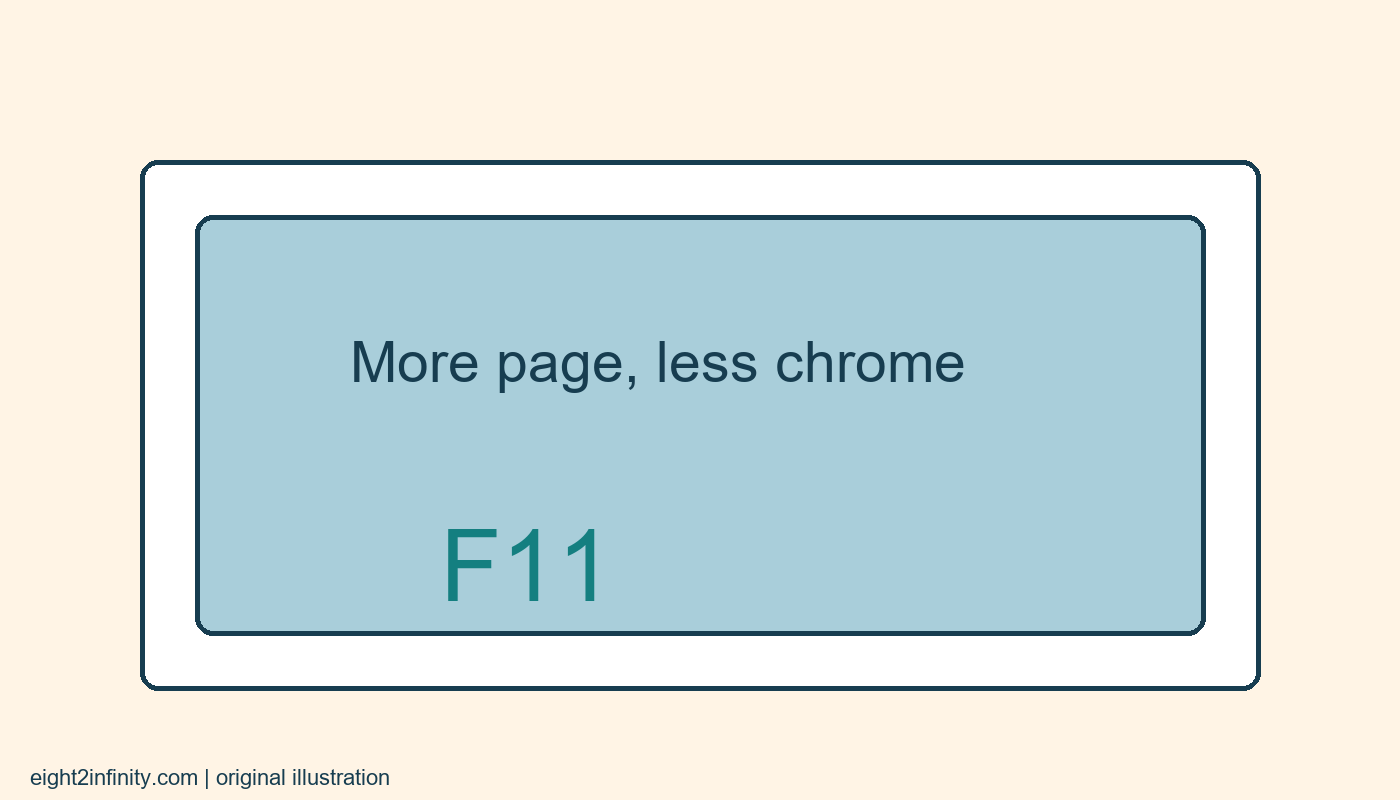
In desktop Chrome on Windows or Linux, press F11 to enter browser full-screen mode and press F11 again to leave it. On a Mac, Google's documented shortcut is Control, Command, and F. Full screen gives the page more space by hiding browser surroundings; it does not change the website's content or make a page private. Learn the exit action before using it during a presentation or a long reading session.

This exercise uses a harmless reference page with no unsaved form. You will compare an ordinary window with full screen, then return to the starting view. The aim is to make the missing tabs and address bar understandable rather than alarming. A browser can look very different while the same page remains open, and knowing which display mode you entered can prevent unnecessary restarts.

ADVERTISEMENT

Prepare a simple comparison

Open Chrome and navigate to a public reference page you recognize, such as the Google help page listed with this article. Close or save any unfinished work in other pages before experimenting with unfamiliar display controls. You do not need to sign in or install an extension. This is a built-in browser display action, so an add-on promising full-screen access is unnecessary for the exercise.

ADVERTISEMENT

Notice the visible browser features before changing anything. You can see the tab strip, address bar, and the edges of the application window. Also note the size of the page's main text. These observations give you a useful baseline. Without that comparison, you might confuse the disappearance of browser controls with a change to page zoom or with a website's own presentation view.

Enter browser full screen

On Windows or Linux, press F11 while Chrome is active. If your keyboard assigns media or hardware actions to its function keys, use the keyboard's documented method for sending F11. Avoid repeatedly pressing unfamiliar combinations. You can also open Chrome's menu and use the full-screen control next to its zoom options, as described in Google's help documentation.

On macOS, use the documented Control, Command, and F combination instead of assuming the Windows shortcut applies. Operating systems and keyboard layouts differ, and a managed computer may impose additional behavior. The important check is the visible outcome: the browser surroundings recede and the page occupies more of the display. This is a change in the browser window's presentation, not a new copy of the website.

Leave before continuing the task

Press the appropriate toggle again to return to the ordinary browser view. On Windows and Linux, use F11 again. Check that the tab strip and address bar are back before doing anything else. Practicing the return immediately is more useful than leaving full screen active and discovering later that you do not remember how you entered it.

If the page contains its own video player, that player may have a separate full-screen control. Exiting a video's full-screen view is not necessarily the same action as leaving browser full screen. For this reason, the exercise starts with an ordinary text page. Learn one display mode at a time, then apply that understanding to more complicated pages with embedded media.

Distinguish full screen from zoom

Page zoom changes the apparent size of page elements. Browser full screen changes how much display area is devoted to the page. You can use both, but they solve different problems. If text is too small to read comfortably, hiding the address bar alone may not help. Restore the normal view, adjust zoom deliberately if needed, and compare the result rather than changing several settings at once.

For a clear experiment, leave zoom unchanged throughout your first full-screen cycle. Read the same paragraph before and after. You may see additional lines or a different wrap because the available area changed, but you have not asked Chrome to increase the page's zoom percentage. This distinction helps when explaining the feature to someone who simply wants larger text.

Use the mode with realistic expectations

Full screen can be useful when showing a diagram or reading a wide reference page. It does not remove information from the page, block notifications at the operating-system level, or conceal activity from a shared computer's administrator. Do not describe it as a privacy setting. If you are presenting, prepare the page and your computer's normal presentation arrangements separately.

The hidden address bar also means you should be deliberate about which page you opened before entering the mode. For this exercise, you already verified a familiar public reference. If a page unexpectedly asks for credentials or payment, leave full screen and inspect the address through your usual checks. A larger display area should not replace normal attention to the destination you are using.

Troubleshoot without losing work

If the shortcut appears to do nothing, confirm that Chrome is the active application and that the keyboard actually sent the intended function key. Use the menu control as an alternative. Do not close a busy browser merely because the first key press did not produce the expected result. Saving any important work and changing one control at a time makes troubleshooting easier to understand.

Google's instructions cover desktop Chrome with platform-specific shortcuts; mobile browsers use different interfaces. This article provides a reproducible practice routine rather than claiming a test on your machine. Finish by entering and leaving full screen twice, then describe the difference from zoom in one sentence. Which of your ordinary tasks would benefit from more page area, and which really needs larger text instead?

Sources and related reading

Primary reference and scope

Rename and group a few Chrome bookmarks

Tags: enter and leave full screen mode in desktop chrometechnology
Previous Post

Store reusable drawing stencils with a labeled sample outline

Next Post

Identify a frozen Chrome page before ending its process

Nahida Azmin Nishu

Nahida Azmin Nishu

Related Posts

Identify a frozen Chrome page before ending its process
Technology

Identify a frozen Chrome page before ending its process

November 22, 2026
Switch between open Chrome tabs with keyboard shortcuts
Technology

Switch between open Chrome tabs with keyboard shortcuts

November 22, 2026
Name separate Chrome windows for different tasks
Technology

Name separate Chrome windows for different tasks

November 22, 2026
Create and check a Chrome link to highlighted text
Technology

Create and check a Chrome link to highlighted text

November 22, 2026
Next Post
Identify a frozen Chrome page before ending its process

Identify a frozen Chrome page before ending its process

No Result
View All Result
ADVERTISEMENT

Categories

  • All Post (4)
  • Business and Finance (61)
  • Education (94)
  • Facts (28)
  • Food and Drink (94)
    • Cooking Tips (27)
  • Health and Fitness (85)
    • Mental Health (13)
  • Lifestyle (106)
  • Parenting (51)
  • Pet Care (53)
  • Practical Living (104)
    • Organization (26)
  • Science (15)
  • Technology (102)
  • Travel (78)
    • Destinations (10)

Recent.

Chop a chocolate bar into deliberate pieces for baking

Chop a chocolate bar into deliberate pieces for baking

November 22, 2026
Crack recipe eggs one at a time into a separate bowl

Crack recipe eggs one at a time into a separate bowl

November 22, 2026
Convert a fraction to a decimal by dividing the numerator

Convert a fraction to a decimal by dividing the numerator

November 22, 2026
ADVERTISEMENT
Facebook Youtube Instagram

Eight to Infinity is a online magazine website where you can find something that you might interested to know or find something new to know.

Category

  • All Post (4)
  • Business and Finance (61)
  • Cooking Tips (27)
  • Destinations (10)
  • Education (94)
  • Facts (28)
  • Food and Drink (68)
  • Health and Fitness (72)
  • Lifestyle (106)
  • Mental Health (13)
  • Organization (26)
  • Parenting (51)
  • Pet Care (53)
  • Practical Living (78)
  • Science (15)
  • Technology (102)
  • Travel (78)

Tags

and Australia awareness bedtime routine toddlers benefits Bird Care climate change college students Cooking Tips dos Education exploring fashion future Galah Cockatoo German culture hair care health Healthy Lifestyle higher education home remedies how how to get rid of fruit flies impact Instant Noodles intersection mental health education mental illness natural remedies Nutrition Organization parakeet care Parenting Tips Pet Birds Practical Living Rome screen time rules for kids stigma street technology the travel wildlife Windows 11 world

© 2024 Eight to Infinity - Developed by ZaeimTech.

Welcome Back!

Login to your account below

Forgotten Password?

Retrieve your password

Please enter your username or email address to reset your password.

Log In
Ads Blocker Image Powered by Code Help Pro

Ads Blocker Detected!!!

We have detected that you are using extensions to block ads. Please support us by disabling these ads blocker.

Refresh
No Result
View All Result
  • Home
  • Parenting
    • Child Safety
    • Family Wellness
    • Kids Activities
    • School & Learning
  • Practical Living
    • Cleaning
    • Home Décor
    • Home Improvement
    • Organization
    • Pest Control
  • Pet Care
    • Bird Care
    • Budgie Care
    • Beginner Pet Guides
  • Technology
    • AI Tools
    • Apps
    • Online Safety
    • How-To Tech
  • Money & Work
    • Career
    • Entrepreneurship
    • Financial Planning
    • Investment Advice
    • Making Money Online
  • Food
    • Cooking Tips
    • Recipes
  • Health
    • Healthy Eating
    • Mental Health
    • Wellness
  • Education
    • Career Education
    • Student Guides
    • Study Abroad
  • Travel
    • Destinations
  • Science
    • Facts
  • Lifestyle
    • Beauty
    • Fashion
      • Footwear
    • All Post

© 2024 Eight to Infinity - Developed by ZaeimTech.

This website uses cookies. By continuing to use this website you are giving consent to cookies being used. Visit our Privacy and Cookie Policy.