Keep loose assembly instructions in a reusable sleeve
Keep a set of loose assembly instructions together by checking the page sequence, adding a clear item label, and placing the sheets in a reusable sleeve that fits without bending them. Record what is missing rather than assuming the set is complete. This works for ordinary furniture or household-item instructions and gives you a readable paper reference without requiring a new filing cabinet.
This is an original paper-handling method, supported by the broad EPA principle of reusing suitable supplies. It does not establish that an instruction sheet is correct for a product or that assembly is safe. For actual assembly, use the manufacturer's current guidance for the exact item. The routine here organizes existing paperwork and deliberately keeps uncertainty visible.
Identify the item first
Spread the pages on a clean table. Look for the product name, model, revision, or drawing identifier printed on the instructions. Compare that information with the item or its original records where available. A similar-looking desk can have different fasteners or a different assembly sequence. A sleeve labeled Desk instructions is less useful than one that includes the actual model identifier.
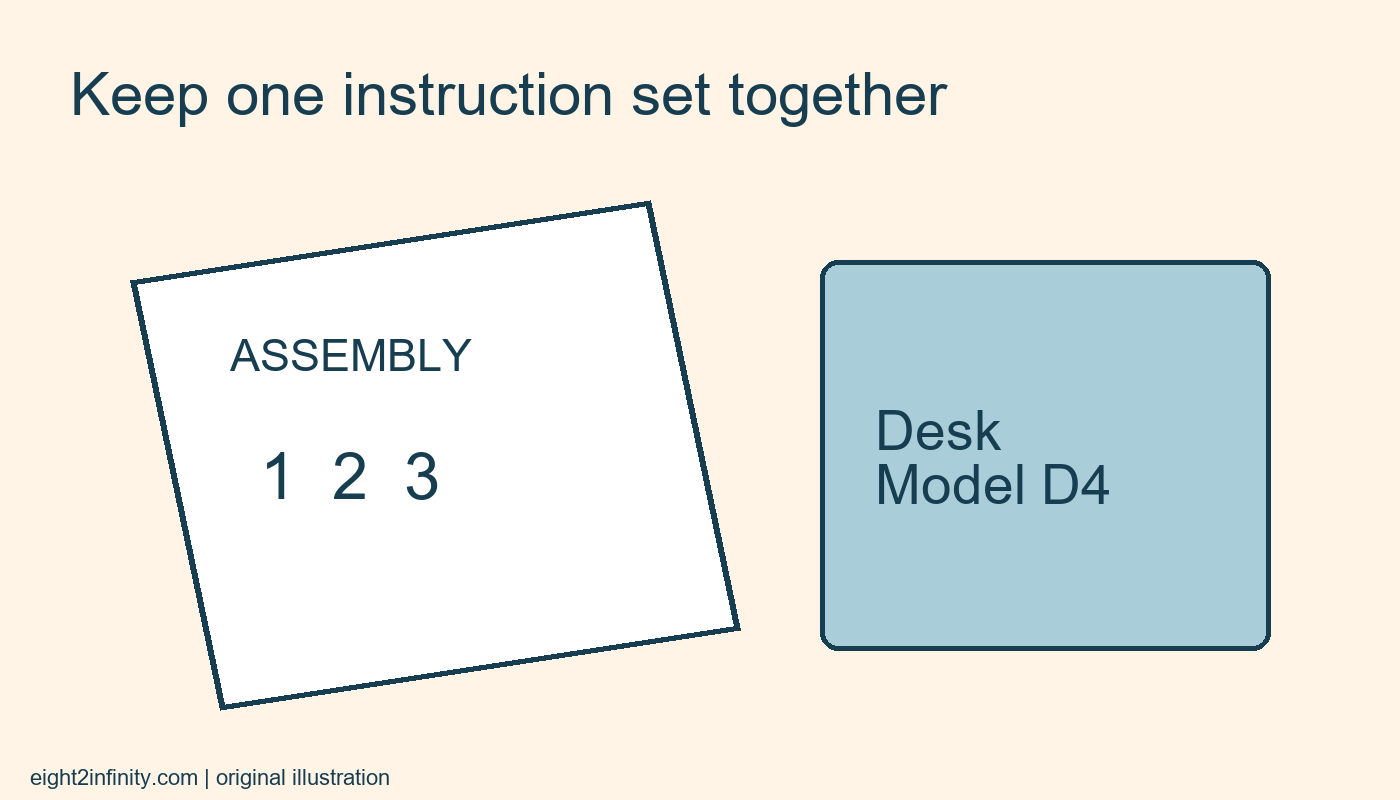
For a fictional example, use Desk model D4 and six numbered instruction pages. Add a loose delivery leaflet as a separate object. The example helps separate assembly information from surrounding paperwork. Do not invent a model number for an unidentified item. If the identity is uncertain, write Unconfirmed instructions and describe the evidence you have, such as a product name printed on page one.
Check sequence and completeness
Arrange the numbered pages in order. Inspect both sides, because one physical sheet may contain two numbered pages. Note any skipped numbers, repeated sheets, or torn sections. If the set says page three of six and page four is absent, record Page four missing on a separate note. Keep that note at the front so the gap is apparent before someone relies on the packet.
Do not copy a nearby page number onto an unnumbered sheet merely to make the sequence look complete. Use a light pencil note on a separate slip if you need to record a tentative position. Printed revision information can also explain apparent duplicates. When two versions conflict, retain the identifying details and consult the manufacturer rather than merging the steps into a new unofficial sequence.
Choose a sleeve that already fits
Use a clean document sleeve or folder you already own if it comfortably holds the sheets. Check the opening and corners for damage that might catch paper. A tight sleeve can curl the pages and make them difficult to remove. If the instructions are larger than the sleeve, use a larger folder instead of folding across important diagrams simply to force a fit.
Keep the total thickness modest. A sleeve intended for a few sheets may not accommodate a thick booklet and several receipts. Separate unrelated material rather than stretching the opening. This is also an opportunity to reuse a folder with an outdated label: cover the old wording neatly or replace a removable label so two competing item names do not remain visible.
Write a front label with useful facts
For the fictional packet, write Desk D4 assembly instructions, six pages checked, stored November 2026. The date describes your check, not the manufacturer's publication date. If a revision is printed, copy it accurately. If it is not printed, leave that field out. Add a short location note only if needed to connect the packet with an item stored elsewhere.
Place a gap note before the instructions rather than behind them. For example, Pages one to three and five to six present; page four missing. This is more informative than a general warning saying Incomplete. The next reader can see exactly what requires attention. Avoid writing claims such as Latest edition unless you have actually confirmed the revision with the manufacturer.
Separate papers by purpose
Keep a warranty or purchase receipt distinct from the assembly sequence. They may belong in the same wider file, but they should not interrupt numbered steps. A small divider sheet can mark the boundary without stapling everything together. Avoid staples or adhesive notes directly over diagrams, part labels, or fine print that someone may need later.
Do not store loose screws, batteries, blades, or small hardware inside a thin document sleeve. They can tear it or damage the paper and may need a suitable separate container. If you keep a parts container, identify it with the same item name and record its location on the paper packet. That cross-reference is more useful than expecting a sleeve to hold objects it was not designed for.
Test the retrieval path
Put the packet in its intended drawer or shelf and then retrieve it by the item name. Can you distinguish it from another desk packet without opening every sleeve? Can the pages be removed and returned in order? If not, enlarge the label, change its position, or reduce the sleeve contents. A clear retrieval test is more revealing than simply admiring a tidy pile.
For practice, organize one fictional six-page set with page four deliberately removed. Ask another person to identify the item, explain what is missing, and return the packet to its place. Their answer should come from the label and gap note, not your verbal explanation. When the missing page is later obtained from a verified source, update the note and the check date so the packet tells an accurate story.