How to Declutter Your Home Office in One Afternoon
Slug: how-to-declutter-your-home-officeCategory: Practical Living > OrganizationKeyword: declutter home officeExcerpt: A step-by-step guide to clearing, sorting, and organising your home office in one afternoon — so you can focus and work better every day.
Why a Cluttered Home Office Hurts Your Productivity
A messy desk isn't just an eyesore — research consistently shows that physical clutter drains mental energy and makes it harder to focus. If you're working from home, your office is also your mental workspace. When it's cluttered, your brain registers it as unfinished business, which increases cortisol and reduces deep focus.
The good news? You don't need a full weekend renovation. With a clear method, most people can declutter a home office in a single afternoon.
What You'll Need Before You Start
Gather these before you begin: three boxes or bags (labelled "Keep," "Donate/Recycle," "Bin"), sticky notes, a cleaning cloth, and a notepad for ideas that pop up mid-sort. Set a timer for each phase — it keeps you moving.
Step-by-Step: Decluttering Your Home Office
Step 1: Clear Everything Off Your Desk (15 minutes)
Start by removing every single item from your desk surface. This includes monitors, keyboards, plants, cables, notepads, and that mug from six months ago. Working from a blank surface makes it much easier to decide what earns a spot back.
Step 2: Sort Into Three Categories (30 minutes)
Pick up each item individually and make a decision: Does it serve a clear, regular purpose in this room? Keep it. Has it not been touched in three months? Donate or recycle it. Is it broken, expired, or genuinely useless? Bin it. Be ruthless — a good rule of thumb is "if in doubt, out."
Step 3: Tackle Paper and Filing (20 minutes)
Paper is the number one culprit in home office clutter. Sort documents into three piles: action required, archive, and shred. Invest in a simple folder system or scan important documents to a cloud folder (Google Drive or Dropbox work well) and shred the originals.
Step 4: Manage Your Cables (15 minutes)
Label all cables with masking tape or cable tags. Use velcro ties or a cable management box to group them neatly. Loose cables aren't just messy — they're a genuine hazard and make cleaning harder.
Step 5: Return Only What Earns Its Place
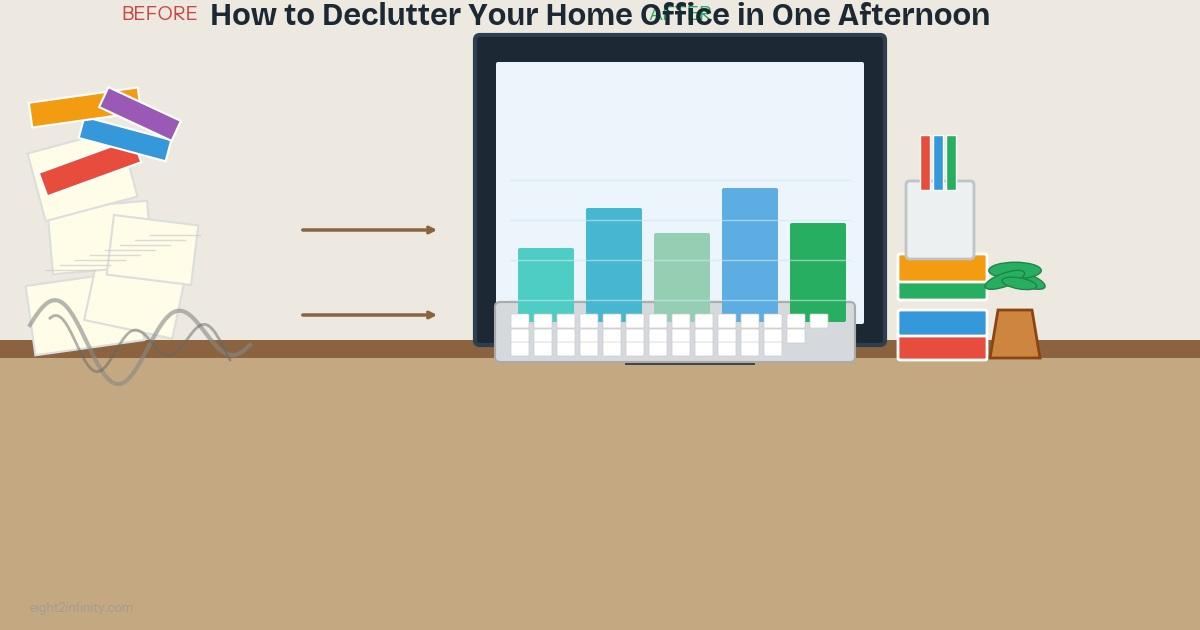
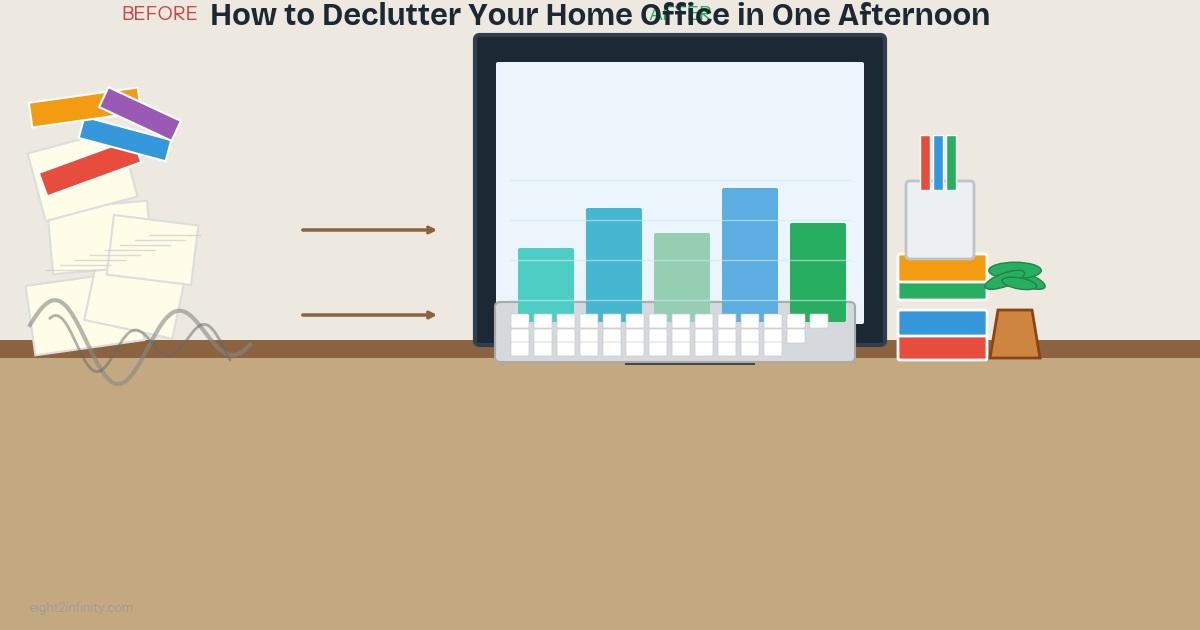
Now put items back — but only what you actually use regularly. Keep your desk surface as minimal as possible: your monitor, keyboard, one notepad, a pen pot, and a lamp. Everything else should live in a drawer, shelf, or storage box.
Smart Storage Ideas for Home Offices
Wall-mounted shelves free up floor space without reducing storage. Drawer dividers keep stationery from becoming a jumble. A pegboard above your desk can hold headphones, scissors, and charging cables within easy reach. Label everything — including digital folders — so you can find what you need in seconds.
Maintaining a Clutter-Free Office
Decluttering once is only half the battle. Build a five-minute end-of-day tidy into your routine: put everything back in its place before you finish work. Do a fuller review monthly, and whenever you bring something new into the office, remove something else — the "one in, one out" rule works remarkably well.
For more on keeping your home running smoothly, read our guide on practical living tips or explore our health and wellness articles to create a work setup that supports your wellbeing.
Frequently Asked Questions
How long does it take to declutter a home office?
Most people can fully declutter a standard home office in two to four hours. Breaking the task into timed stages (desk, paper, storage, cables) helps prevent overwhelm.
What should I keep on my desk?
Only items you use every single day: your monitor, input devices, a notepad, one writing tool, and a lamp. Everything else should be stored away.
How do I stop my office getting cluttered again?
Use the one-in-one-out rule, do a five-minute tidy at the end of each workday, and schedule a monthly review to catch creeping clutter before it builds up.
Should I go paperless?
Going paperless significantly reduces clutter. Scan important documents and store them in clearly named digital folders. Only keep physical copies where legally required.
What's the best storage solution for a small home office?
Vertical storage — shelves, pegboards, wall-mounted organisers — is the best option for small spaces, as it keeps the floor and desk clear without sacrificing storage capacity.