• About
  • Contact
  • Privacy Policy
  • Terms
  • Editorial Policy
  • Affiliate Disclosure
No Result
View All Result
  • Login
Eight to Infinity
  • Home
  • Parenting
    • Child Safety
    • Family Wellness
    • Kids Activities
    • School & Learning
  • Practical Living
    • Cleaning
    • Home Décor
    • Home Improvement
    • Organization
    • Pest Control
  • Pet Care
    • Bird Care
    • Budgie Care
    • Beginner Pet Guides
  • Technology
    • AI Tools
    • Apps
    • Online Safety
    • How-To Tech
  • Money & Work
    • Career
    • Entrepreneurship
    • Financial Planning
    • Investment Advice
    • Making Money Online
  • Food
    • Cooking Tips
    • Recipes
  • Health
    • Healthy Eating
    • Mental Health
    • Wellness
  • Education
    • Career Education
    • Student Guides
    • Study Abroad
  • Travel
    • Destinations
  • Science
    • Facts
  • Lifestyle
    • Beauty
    • Fashion
      • Footwear
    • All Post
  • Home
  • Parenting
    • Child Safety
    • Family Wellness
    • Kids Activities
    • School & Learning
  • Practical Living
    • Cleaning
    • Home Décor
    • Home Improvement
    • Organization
    • Pest Control
  • Pet Care
    • Bird Care
    • Budgie Care
    • Beginner Pet Guides
  • Technology
    • AI Tools
    • Apps
    • Online Safety
    • How-To Tech
  • Money & Work
    • Career
    • Entrepreneurship
    • Financial Planning
    • Investment Advice
    • Making Money Online
  • Food
    • Cooking Tips
    • Recipes
  • Health
    • Healthy Eating
    • Mental Health
    • Wellness
  • Education
    • Career Education
    • Student Guides
    • Study Abroad
  • Travel
    • Destinations
  • Science
    • Facts
  • Lifestyle
    • Beauty
    • Fashion
      • Footwear
    • All Post
No Result
View All Result
Eight to Infinity
No Result
View All Result
Home Technology
Group three research tabs in desktop Chrome

Group three research tabs in desktop Chrome

by Nahida Azmin Nishu
November 16, 2026
in Technology
0
ADVERTISEMENT
3
SHARES
20
VIEWS
Share on FacebookShare on Twitter

Group three research tabs in desktop Chrome

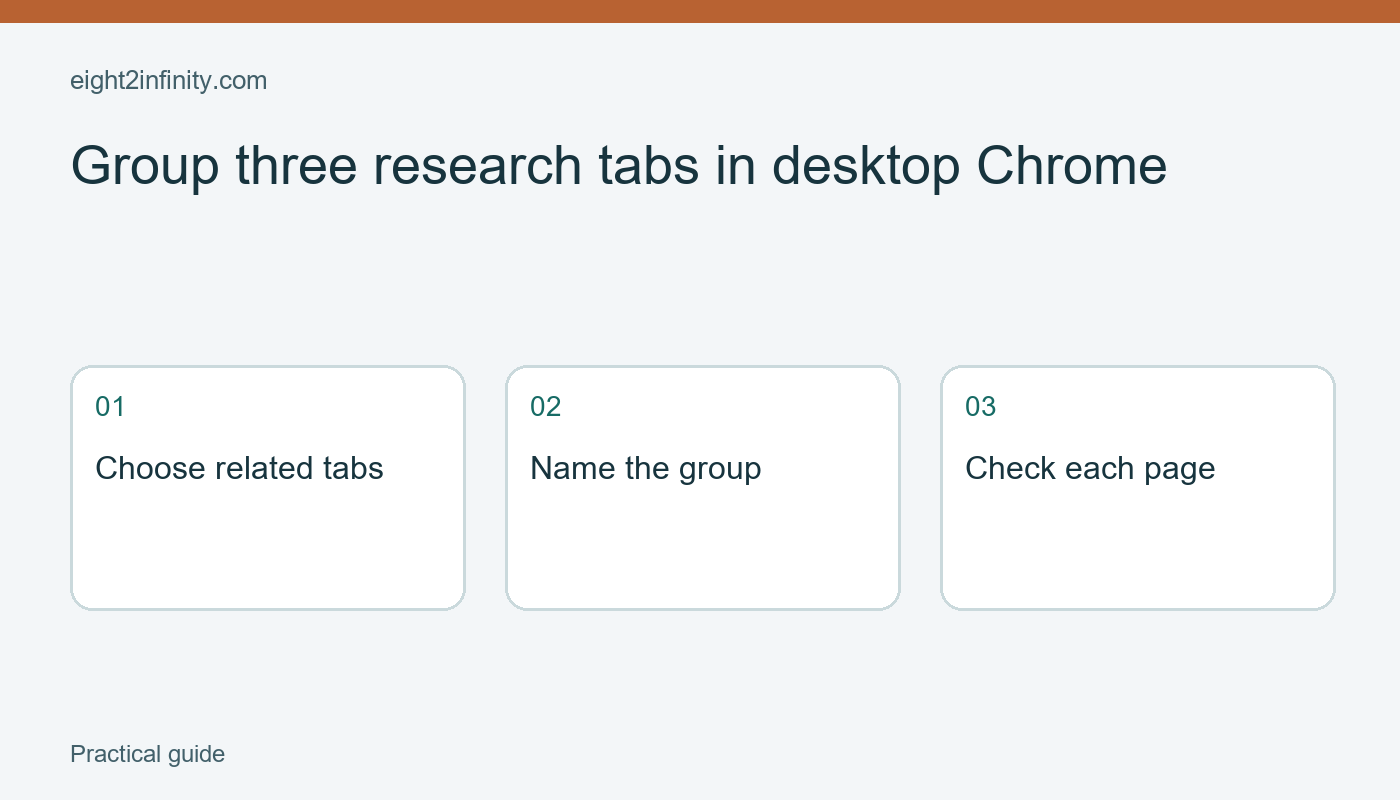
In desktop Chrome, right-click a tab and choose Add tab to group, then create a new group or select an existing one. Give the group a short task name and add the other related tabs. This keeps a few pages together while you work without changing the pages themselves.

This walkthrough uses three public reference pages for a fictional paper-craft activity. It is about organizing an active browsing session. It does not replace bookmarks, a research bibliography, or a backup of important information. Chrome's group persistence and synchronization depend on the version, profile, and account settings, so check your own environment before relying on a group later.

ADVERTISEMENT

Choose a small working set

Open three relevant public pages in ordinary tabs: an instruction page, a materials page, and a reference diagram. Use pages you already trust and avoid private forms or unsaved work for this first exercise. Write a short note identifying each page's purpose. The note helps you decide whether a fourth page actually belongs to the same task.

Keep unrelated pages outside the group. If the activity concerns paper models, your email and a weather forecast probably do not belong in that collection. A group should answer a practical question such as Which pages am I using for this activity? Grouping every open tab together merely moves the clutter into a colored label.

Check that you are using the intended Chrome profile. Profiles can have different account settings, history, extensions, and groups. On a shared or managed computer, follow the organization's rules. A visible group name is also a label other people may see on your screen, so keep it free of private details.

Create and name the group

Right-click the first reference tab in the desktop tab strip. Choose Add tab to group and create a new group. Enter a descriptive name such as Paper model references. Choose a color if it helps you distinguish the group, but make the name meaningful without depending on color alone.

Add the second and third tabs through the same context menu, selecting the existing group. Alternatively, current desktop versions may allow dragging tabs into a group. For the first attempt, the menu makes the destination explicit. After each move, inspect the tab strip and confirm that you moved the intended page.

Click each grouped tab and check its address and content. Similar page titles can conceal different destinations or duplicate pages. If you added the wrong tab, right-click it and use Remove from group. Removing a tab from a group is different from closing the page; inspect the available command before selecting it.

Collapse the group while doing another task

Click the group label to collapse or expand the grouped tabs in the desktop interface. This can reduce the visual space occupied by the collection while preserving access during the session. Expand it again and confirm that the three expected pages are present. Do not assume that a collapsed group means its pages are closed or no longer active.

If a page contains ongoing work, save that work through the site's own controls. A group is a browser organization feature, not a document-saving command. It does not submit a form, preserve an unpublished draft reliably, or create an offline copy of a reference. Treat those requirements separately before closing or restarting the browser.

Name the group for the task rather than for a vague time period. Paper model references is easier to interpret than Today when you return several days later. If you finish the activity, decide which sources deserve a durable bookmark or citation before clearing the temporary working set.

Understand profile and sync behavior

Google documents that tab-group changes can be saved and synced when the relevant history and tab synchronization settings are enabled. That does not mean every group appears everywhere under every account. Different devices, signed-out sessions, managed policies, and browser versions can produce different experiences.

ADVERTISEMENT

Avoid deleting a group casually when you depend on it elsewhere. Current Chrome guidance warns that deleting a synced group can remove it on other devices using the same account. Read the command and any confirmation carefully. Closing a working view, ungrouping tabs, and deleting a saved group can have different effects.

If you need durable research records, write down the page titles, addresses, and your own notes in a document you control. Tab groups can help you work through the sources, but they do not establish whether the information is accurate or whether the pages will remain available. Verify claims from the original sources before using them in a project.

Troubleshoot a missing option

If the menu differs, confirm that you are in desktop Chrome rather than a mobile browser or another Chromium-based application. Review the current official help and your installed version. An organization may control features on a managed device. Do not install an unrelated extension just to imitate a command you expected to find.

For a reader exercise, group three pages for one small task, name the group, collapse it, and return to it after opening an unrelated tab. Can you find the correct source without reading every tab title? Remove one page from the group and explain what happened to that page. Save any information you actually need before ending the practice session.

Sources and related reading

Primary reference

Rename and group a few Chrome bookmarks

Tags: group three research tabs in desktop chrometechnology
Previous Post

Label a linen shelf by bed size

Next Post

Temporarily disable one desktop Chrome extension

Nahida Azmin Nishu

Nahida Azmin Nishu

Related Posts

Change sound permission for one website in Chrome
Technology

Change sound permission for one website in Chrome

November 16, 2026
Reopen an accidentally closed tab in desktop Chrome
Technology

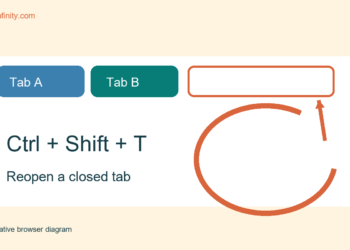
Reopen an accidentally closed tab in desktop Chrome

November 16, 2026
Temporarily disable one desktop Chrome extension
Technology

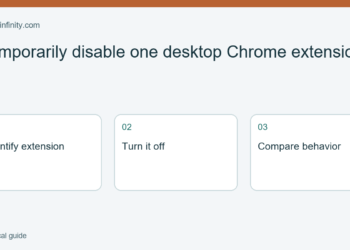
Temporarily disable one desktop Chrome extension

November 16, 2026
Rename and group a few Chrome bookmarks
Technology

Rename and group a few Chrome bookmarks

November 15, 2026
Next Post
Temporarily disable one desktop Chrome extension

Temporarily disable one desktop Chrome extension

No Result
View All Result
ADVERTISEMENT

Categories

  • All Post (4)
  • Business and Finance (61)
  • Education (82)
  • Facts (28)
  • Food and Drink (82)
    • Cooking Tips (15)
  • Health and Fitness (85)
    • Mental Health (13)
  • Lifestyle (106)
  • Parenting (51)
  • Pet Care (53)
  • Practical Living (80)
    • Organization (14)
  • Science (15)
  • Technology (90)
  • Travel (78)
    • Destinations (10)

Recent.

Read a liquid measuring cup at eye level

Read a liquid measuring cup at eye level

November 16, 2026
Whisk dry baking ingredients before adding liquid

Whisk dry baking ingredients before adding liquid

November 16, 2026
Read a bar graph whose scale counts in twos

Read a bar graph whose scale counts in twos

November 16, 2026
ADVERTISEMENT
Facebook Youtube Instagram

Eight to Infinity is a online magazine website where you can find something that you might interested to know or find something new to know.

Category

  • All Post (4)
  • Business and Finance (61)
  • Cooking Tips (15)
  • Destinations (10)
  • Education (82)
  • Facts (28)
  • Food and Drink (68)
  • Health and Fitness (72)
  • Lifestyle (106)
  • Mental Health (13)
  • Organization (14)
  • Parenting (51)
  • Pet Care (53)
  • Practical Living (66)
  • Science (15)
  • Technology (90)
  • Travel (78)

Tags

and Australia awareness benefits Bird Care climate change college students Cooking Tips dos Education exploring fashion future Galah Cockatoo German culture hair care health Healthy Lifestyle higher education home remedies how impact Instant Noodles intersection mental health education mental illness morning stretch routine beginners natural remedies Nutrition Organization parakeet care Parenting Tips Pet Birds pomodoro technique study tips Practical Living Rome screen time rules for kids stigma street technology the travel wildlife Windows 11 world

© 2024 Eight to Infinity - Developed by ZaeimTech.

Welcome Back!

Login to your account below

Forgotten Password?

Retrieve your password

Please enter your username or email address to reset your password.

Log In
Ads Blocker Image Powered by Code Help Pro

Ads Blocker Detected!!!

We have detected that you are using extensions to block ads. Please support us by disabling these ads blocker.

Refresh
No Result
View All Result
  • Home
  • Parenting
    • Child Safety
    • Family Wellness
    • Kids Activities
    • School & Learning
  • Practical Living
    • Cleaning
    • Home Décor
    • Home Improvement
    • Organization
    • Pest Control
  • Pet Care
    • Bird Care
    • Budgie Care
    • Beginner Pet Guides
  • Technology
    • AI Tools
    • Apps
    • Online Safety
    • How-To Tech
  • Money & Work
    • Career
    • Entrepreneurship
    • Financial Planning
    • Investment Advice
    • Making Money Online
  • Food
    • Cooking Tips
    • Recipes
  • Health
    • Healthy Eating
    • Mental Health
    • Wellness
  • Education
    • Career Education
    • Student Guides
    • Study Abroad
  • Travel
    • Destinations
  • Science
    • Facts
  • Lifestyle
    • Beauty
    • Fashion
      • Footwear
    • All Post

© 2024 Eight to Infinity - Developed by ZaeimTech.

This website uses cookies. By continuing to use this website you are giving consent to cookies being used. Visit our Privacy and Cookie Policy.