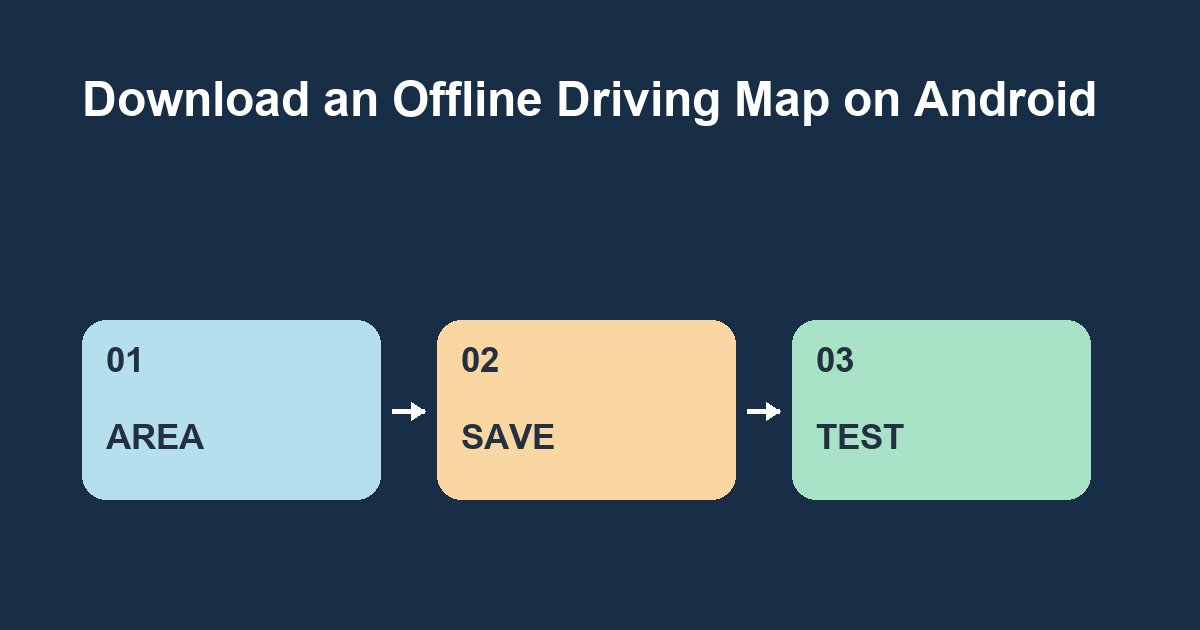
Download an area in Google Maps before leaving Wi-Fi. Include your start, destination and the roads between them in the selected area so an offline driving route can fit inside it.
Select the full area
On an Android device with Google Maps open and signed in, tap your profile picture, choose Offline maps and select your own map. Move and zoom the box to cover the full trip. For a practice example, pick a library three neighborhoods away and include the roads on both sides of the usual route. Check the estimated size and download while connected.
Test before departure
Open Offline maps and check that your selection appears. While stationary, briefly disconnect Wi-Fi and mobile data and request driving directions to the practice destination. Restore connectivity afterward. Offline driving has fewer features, including limited access to traffic and alternate routes. Offline maps do not provide walking, cycling or public transit directions. Availability also varies by region.
Make the map useful again next month
Check the saved area's update or expiry information before a later trip. Try adjusting the download area so it covers a second destination as well. Does the saved map still cover the connecting roads you would use?