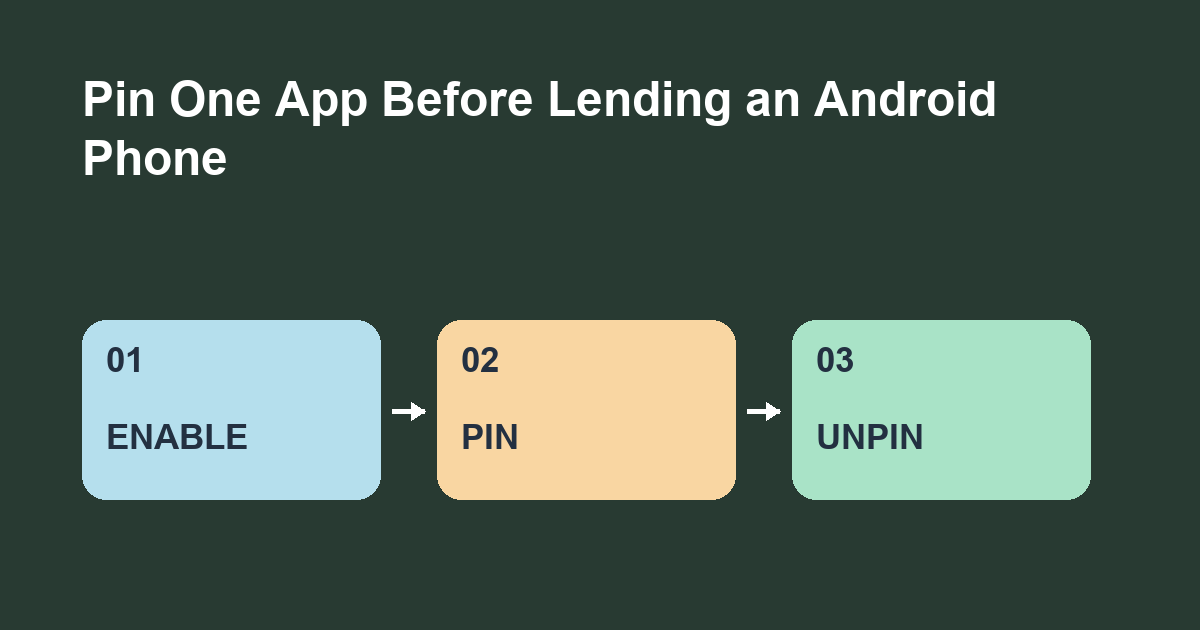
Enable app pinning, then pin the app from the recent apps screen before handing over your Android phone. Set Android to require your screen lock to unpin when that option is available.
Set up a short trial
Search Settings for app pinning or screen pinning. Android menus vary by manufacturer and software version. Enable the feature and check the unpin authentication setting. Open a harmless app such as Calculator. Open the recent apps view, tap the app icon above its preview and choose Pin if shown.
Practice the exit gesture
Try switching to another app while Calculator is pinned. Then follow the system's on-screen exit instructions. With gesture navigation, Android's guidance is to swipe up and hold. With three-button navigation, it uses Back and Overview together. Enter your screen lock when prompted and check that you can return to your normal home screen.
Choose what you hand over
The other person can still use the controls and view the information inside the pinned app. Select a screen with only the content they need. Can you hand over a calculator for one calculation and restore normal navigation yourself afterward?