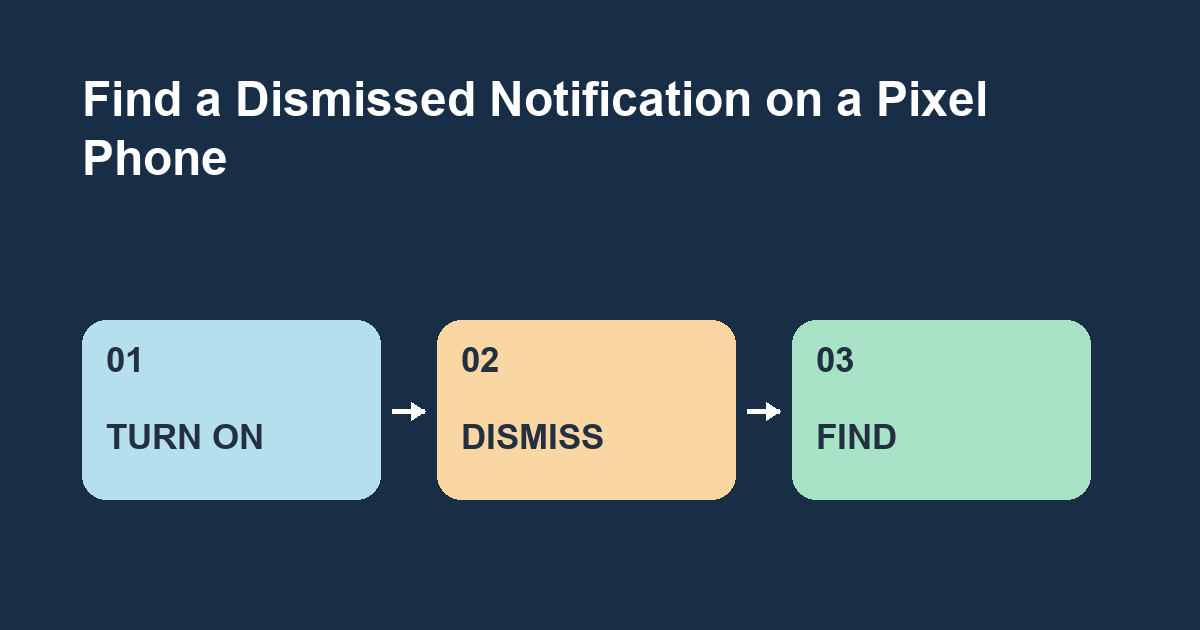
Open Settings > Notifications > Notification history and turn it on. On a supported Pixel, the same screen can show recently dismissed alerts. It cannot recover an alert from before you enabled it.
Make a recognizable alert
Set a reminder with a distinctive label such as Water the basil. When it appears, swipe it away. Open Notification history and check the app and time. Use a test alert from today so it falls within the recent history window. If it never arrived, check whether the reminder app has permission to send notifications.
Use history as a clue
A preview can help you identify the app even if the original information is incomplete. If an alert referred to a conversation or an order, open the app and look for the underlying item there. Where a notification comes from can be more useful than the few words it displayed.
Check other Android phones
The path here targets Pixel. Other phones can use a different menu or omit history. Search Settings for notification history if the path differs. On a shared phone, consider what previews you want retained.
Try two alerts
Dismiss test alerts from different apps. Can you find the app and time for the first one without waiting for it to come back?
Distinguish a dismissal from a missing alert
If you remember swiping the alert away, history is a sensible place to check. If you never saw it, start by making sure the app can send notifications and that the relevant type is enabled. An order app might send shipping alerts but have promotional alerts turned off. Test with a type you actually expect to see.
Match the entry to the event
When an app sends several reminders close together, note the time of the alert you want. Look for the app and time together. For example, if you dismissed two reminders from the same app at breakfast and lunchtime, the app name alone cannot tell you which entry belongs to lunch. Check the text preview when it is present, then open the app to see the full item.
Give repeat alerts a clearer label
If you often dismiss reminders on the move, label them with the action you need to take. Water the basil and Pick up the library hold will be easier to distinguish than two alerts named Reminder. Use innocuous test text when someone else can see your screen. After testing, decide whether the convenience of keeping a recent history suits how you share the device.