
• About
  • Contact
  • Privacy Policy
  • Terms
  • Editorial Policy
  • Affiliate Disclosure
No Result
View All Result
  • Login
Eight to Infinity
  • Home
  • Parenting
    • Child Safety
    • Family Wellness
    • Kids Activities
    • School & Learning
  • Practical Living
    • Cleaning
    • Home Décor
    • Home Improvement
    • Organization
    • Pest Control
  • Pet Care
    • Bird Care
    • Budgie Care
    • Beginner Pet Guides
  • Technology
    • AI Tools
    • Apps
    • Online Safety
    • How-To Tech
  • Money & Work
    • Career
    • Entrepreneurship
    • Financial Planning
    • Investment Advice
    • Making Money Online
  • Food
    • Cooking Tips
    • Recipes
  • Health
    • Healthy Eating
    • Mental Health
    • Wellness
  • Education
    • Career Education
    • Student Guides
    • Study Abroad
  • Travel
    • Destinations
  • Science
    • Facts
  • Lifestyle
    • Beauty
    • Fashion
      • Footwear
    • All Post
  • Home
  • Parenting
    • Child Safety
    • Family Wellness
    • Kids Activities
    • School & Learning
  • Practical Living
    • Cleaning
    • Home Décor
    • Home Improvement
    • Organization
    • Pest Control
  • Pet Care
    • Bird Care
    • Budgie Care
    • Beginner Pet Guides
  • Technology
    • AI Tools
    • Apps
    • Online Safety
    • How-To Tech
  • Money & Work
    • Career
    • Entrepreneurship
    • Financial Planning
    • Investment Advice
    • Making Money Online
  • Food
    • Cooking Tips
    • Recipes
  • Health
    • Healthy Eating
    • Mental Health
    • Wellness
  • Education
    • Career Education
    • Student Guides
    • Study Abroad
  • Travel
    • Destinations
  • Science
    • Facts
  • Lifestyle
    • Beauty
    • Fashion
      • Footwear
    • All Post
No Result
View All Result
Eight to Infinity
No Result
View All Result
Home Technology Online Safety
A laptop inbox showing a suspicious email while a user checks the sender details.

A laptop inbox showing a suspicious email while a user checks the sender details.

How to Spot AI-Generated Phishing Emails Before You Click

by Nahida Azmin Nishu
May 22, 2026
in Online Safety, Technology
0
ADVERTISEMENT
3
SHARES
20
VIEWS
Share on FacebookShare on Twitter

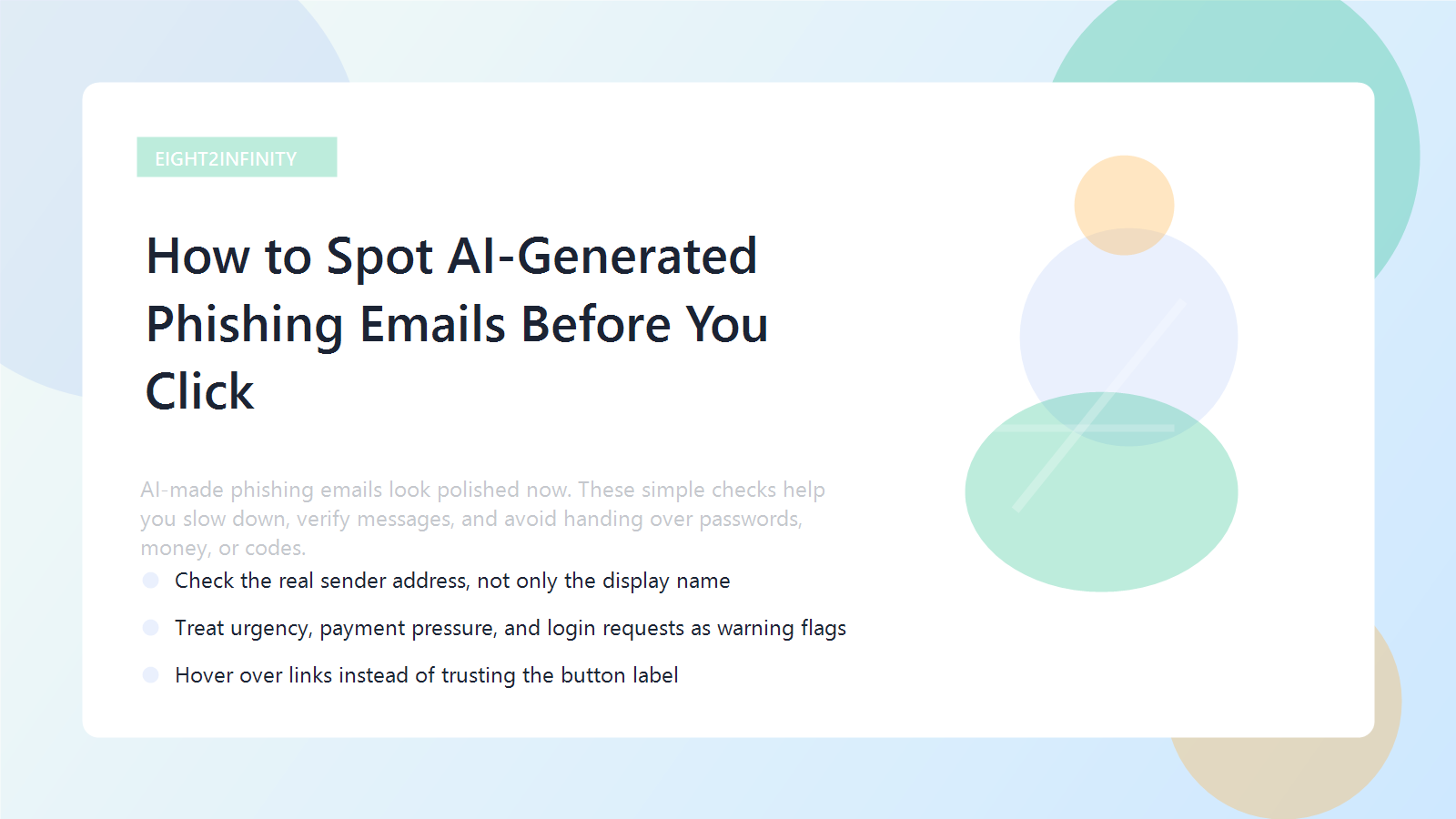
Short answer: AI-made phishing emails look polished now. These simple checks help you slow down, verify messages, and avoid handing over passwords, money, or codes.

Phishing emails used to be easier to mock. Awkward grammar, strange punctuation, and obvious formatting mistakes often gave scammers away. That shortcut is fading fast.

AI tools now help attackers produce clean, calm, believable messages that sound like a bank, coworker, school, or software service. A polished email can still be malicious, which means our old trust signals need updating.

ADVERTISEMENT

The safest adjustment is simple: stop treating professional-looking language as proof. Instead, judge messages by the request they make, the account they come from, and whether the workflow matches what you normally see.
ADVERTISEMENT
An online safety guide comparing a suspicious login message with a normal verification flow.

Why AI phishing feels more convincing now

Attackers can now generate several believable versions of the same scam quickly. They can adjust tone, fix grammar, mimic real workplace language, and personalize details without much effort.

That makes everyday traps like password resets, invoice approvals, shared documents, device-code logins, and urgent account warnings much harder to dismiss at a glance.

The checks that catch most fake emails

Look past the surface first. Expand the sender details and check the real address. A familiar display name means very little if the domain is wrong, slightly misspelled, or inconsistent with the real organization.

Then inspect the request. Messages asking for passwords, codes, payments, unusual downloads, or last-minute banking changes deserve extra caution even if the wording looks excellent.

A fast phishing check routine

  • Verify the real sender address
  • Pause on urgency and emotional pressure
  • Hover over links before clicking
  • Open the service yourself in a new tab or app
  • Confirm money requests through a second trusted channel

Why link labels and branding are not enough

A button can say View document while pointing somewhere completely different. Logos, signatures, and familiar wording are easier to imitate than many people realize.

That is why the best habit is often the simplest one: if a message tells you to log in, open the service directly from your own bookmark or typed URL instead of following the email path.

What to do if you already clicked

If you only opened the email, close it and report it through your normal workplace or provider flow. If you clicked a link, stop there and do not enter more information.

If you submitted credentials, change your password from the real site immediately, review account activity, and check that your two-factor authentication settings are still under your control.

A practical rule to remember

When an email wants one of four things fast, treat it as suspicious until verified: money, passwords, codes, or downloads. That simple rule catches a surprising amount of modern scam behavior.

Threat patterns will keep evolving, but slowing down, verifying the channel, and avoiding direct email-link logins remain strong defenses.

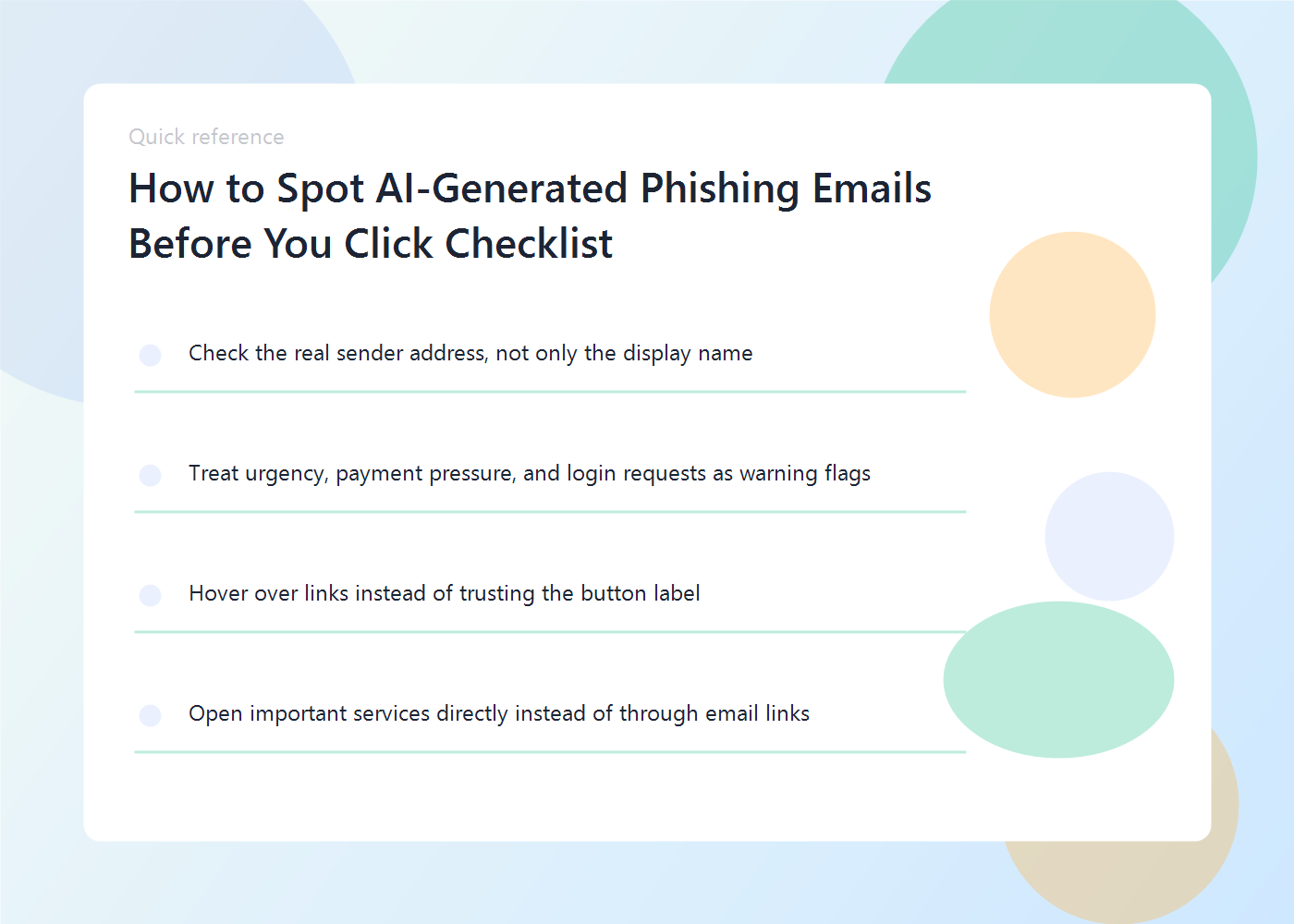
Quick recap

  • Check the real sender address, not only the display name
  • Treat urgency, payment pressure, and login requests as warning flags
  • Hover over links instead of trusting the button label
  • Open important services directly instead of through email links

FAQ

Are AI-generated phishing emails only a business problem?

No. Consumers get targeted too, especially through package alerts, account recovery messages, tax notices, fake support emails, and banking prompts.

Is hovering over links enough?

It helps, but it is not enough by itself. You still need to verify the sender, the request, and whether the message fits normal behavior.

What is the safest habit of all?

Open important services directly from your own bookmarks or typed URLs instead of following links from email.

Related reads on Eight2Infinity

  • How to Set Up Passkeys on Your Phone and Laptop
  • Best Note-Taking Apps for Students and Busy Adults

Why this topic matters right now

  • Security reporting in 2026 shows AI-assisted phishing campaigns using more polished language, better personalization, and cleaner formatting than older scam emails.
  • That means writing quality is no longer a reliable safety signal, so people need stronger verification habits.
Previous Post

Budgie Heat Stress Signs: How to Keep Your Bird Safe in Hot Weather

Next Post

How to Price Freelance Work When You’re Just Starting Out

Nahida Azmin Nishu

Nahida Azmin Nishu

Related Posts

A phone and laptop showing secure sign-in screens with a fingerprint prompt.
Online Safety

How to Set Up Passkeys on Your Phone and Laptop

May 21, 2026
Illustration of a note-taking workspace with notebook and laptop
Apps

Best Note-Taking Apps for Students and Busy Adults

May 20, 2026
person using Windows 11 computer on lap
Technology

“8 Simple Tricks for Taking Screenshots on a Windows PC”

May 15, 2024
macbook pro on brown wooden table
Technology

“Maximizing Your Browsing Experience with Microsoft Edge: 20 Cool Tips and Tricks”

May 15, 2024
Next Post
A freelancer reviewing project notes, a calculator, and a simple pricing worksheet.

How to Price Freelance Work When You're Just Starting Out

No Result
View All Result
ADVERTISEMENT

Categories

  • All Post (66)
  • Business and Finance (9)
    • Career (3)
    • Entrepreneurship (2)
    • Financial Planning (2)
    • Investment Advice (2)
  • Education (9)
    • Student Guides (2)
    • Study Abroad (1)
  • Facts (28)
  • Food and Drink (22)
    • Cooking Tips (2)
    • Recipes (5)
  • Health and Fitness (33)
    • Mental Health (12)
    • Wellness (3)
  • International News (1)
  • Lifestyle (51)
    • Beauty (4)
    • Fashion (22)
      • Footwear (3)
  • Parenting (3)
    • Child Safety (1)
    • Family Wellness (2)
  • Pet Care (6)
    • Bird Care (1)
    • Budgie Care (3)
  • Practical Living (4)
    • Organization (2)
    • Pest Control (1)
  • Science (7)
  • Technology (28)
    • Apps (1)
    • Online Safety (2)
  • Travel (29)
    • Destinations (13)

Recent.

A breathable summer capsule wardrobe with linen pieces, sandals, and light accessories.

How to Build a Capsule Wardrobe for Humid Weather

May 22, 2026
A neatly packed underseat travel bag with folded summer clothes and essentials.

Personal-Item-Only Packing List for a 3-Day Summer Trip

May 22, 2026
A student editing a scholarship essay draft with deadlines and notes on a desk.

Scholarship Essay Mistakes That Quietly Ruin Strong Applications

May 22, 2026
ADVERTISEMENT
Facebook Youtube Instagram

Eight to Infinity is a online magazine website where you can find something that you might interested to know or find something new to know.

Category

  • All Post (66)
  • Apps (1)
  • Beauty (4)
  • Bird Care (1)
  • Budgie Care (3)
  • Business and Finance (6)
  • Career (3)
  • Child Safety (1)
  • Cooking Tips (2)
  • Destinations (13)
  • Education (9)
  • Entrepreneurship (2)
  • Facts (28)
  • Family Wellness (2)
  • Fashion (21)
  • Financial Planning (2)
  • Food and Drink (21)
  • Footwear (3)
  • Health and Fitness (21)
  • International News (1)
  • Investment Advice (2)
  • Lifestyle (29)
  • Mental Health (12)
  • Online Safety (2)
  • Organization (2)
  • Parenting (3)
  • Pest Control (1)
  • Pet Care (5)
  • Practical Living (4)
  • Recipes (5)
  • Science (7)
  • Student Guides (2)
  • Study Abroad (1)
  • Technology (28)
  • Travel (29)
  • Wellness (3)

Tags

and Australia awareness benefits Bird Care climate change college students dos exploring fashion fluid intake future Galah Cockatoo German culture hair care headaches health Healthy Lifestyle herbal remedies higher education home remedies how impact Instant Noodles intersection low blood pressure mental health education mental illness natural remedies Nutrition pain relief parakeet care Parenting Tips Pet Birds Rome stigma street the travel treatment University of British Columbia University of Toronto wildlife Windows 11 world

© 2024 Eight to Infinity - Developed by ZaeimTech.

No Result
View All Result
  • Home
  • Parenting
    • Child Safety
    • Family Wellness
    • Kids Activities
    • School & Learning
  • Practical Living
    • Cleaning
    • Home Décor
    • Home Improvement
    • Organization
    • Pest Control
  • Pet Care
    • Bird Care
    • Budgie Care
    • Beginner Pet Guides
  • Technology
    • AI Tools
    • Apps
    • Online Safety
    • How-To Tech
  • Money & Work
    • Career
    • Entrepreneurship
    • Financial Planning
    • Investment Advice
    • Making Money Online
  • Food
    • Cooking Tips
    • Recipes
  • Health
    • Healthy Eating
    • Mental Health
    • Wellness
  • Education
    • Career Education
    • Student Guides
    • Study Abroad
  • Travel
    • Destinations
  • Science
    • Facts
  • Lifestyle
    • Beauty
    • Fashion
      • Footwear
    • All Post

© 2024 Eight to Infinity - Developed by ZaeimTech.

Welcome Back!

Login to your account below

Forgotten Password?

Retrieve your password

Please enter your username or email address to reset your password.

Log In
  • Understanding 1096 Requirements: Legal Obligations Explained
This website uses cookies. By continuing to use this website you are giving consent to cookies being used. Visit our Privacy and Cookie Policy.






