
Short answer: AI-made phishing emails look polished now. These simple checks help you slow down, verify messages, and avoid handing over passwords, money, or codes.
Phishing emails used to be easier to mock. Awkward grammar, strange punctuation, and obvious formatting mistakes often gave scammers away. That shortcut is fading fast.
AI tools now help attackers produce clean, calm, believable messages that sound like a bank, coworker, school, or software service. A polished email can still be malicious, which means our old trust signals need updating.
The safest adjustment is simple: stop treating professional-looking language as proof. Instead, judge messages by the request they make, the account they come from, and whether the workflow matches what you normally see.
Why AI phishing feels more convincing now
Attackers can now generate several believable versions of the same scam quickly. They can adjust tone, fix grammar, mimic real workplace language, and personalize details without much effort.
That makes everyday traps like password resets, invoice approvals, shared documents, device-code logins, and urgent account warnings much harder to dismiss at a glance.
The checks that catch most fake emails
Look past the surface first. Expand the sender details and check the real address. A familiar display name means very little if the domain is wrong, slightly misspelled, or inconsistent with the real organization.
Then inspect the request. Messages asking for passwords, codes, payments, unusual downloads, or last-minute banking changes deserve extra caution even if the wording looks excellent.
A fast phishing check routine
- Verify the real sender address
- Pause on urgency and emotional pressure
- Hover over links before clicking
- Open the service yourself in a new tab or app
- Confirm money requests through a second trusted channel
Why link labels and branding are not enough
A button can say View document while pointing somewhere completely different. Logos, signatures, and familiar wording are easier to imitate than many people realize.
That is why the best habit is often the simplest one: if a message tells you to log in, open the service directly from your own bookmark or typed URL instead of following the email path.
What to do if you already clicked
If you only opened the email, close it and report it through your normal workplace or provider flow. If you clicked a link, stop there and do not enter more information.
If you submitted credentials, change your password from the real site immediately, review account activity, and check that your two-factor authentication settings are still under your control.
A practical rule to remember
When an email wants one of four things fast, treat it as suspicious until verified: money, passwords, codes, or downloads. That simple rule catches a surprising amount of modern scam behavior.
Threat patterns will keep evolving, but slowing down, verifying the channel, and avoiding direct email-link logins remain strong defenses.
Quick recap
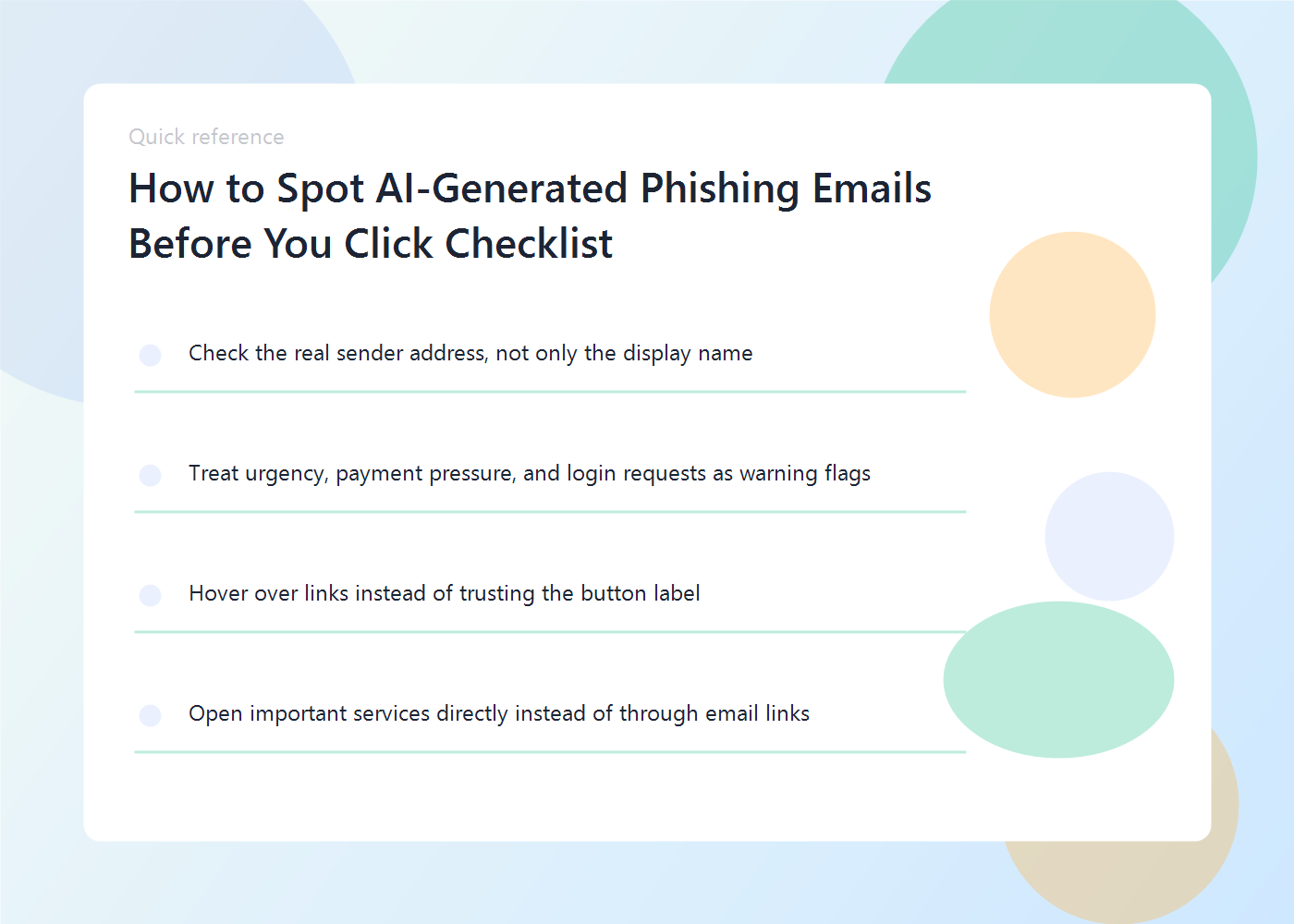
- Check the real sender address, not only the display name
- Treat urgency, payment pressure, and login requests as warning flags
- Hover over links instead of trusting the button label
- Open important services directly instead of through email links
FAQ
Are AI-generated phishing emails only a business problem?
No. Consumers get targeted too, especially through package alerts, account recovery messages, tax notices, fake support emails, and banking prompts.
Is hovering over links enough?
It helps, but it is not enough by itself. You still need to verify the sender, the request, and whether the message fits normal behavior.
What is the safest habit of all?
Open important services directly from your own bookmarks or typed URLs instead of following links from email.
Related reads on Eight2Infinity
Why this topic matters right now
- Security reporting in 2026 shows AI-assisted phishing campaigns using more polished language, better personalization, and cleaner formatting than older scam emails.
- That means writing quality is no longer a reliable safety signal, so people need stronger verification habits.









