
Short answer: QR codes feel convenient, which is exactly why scammers use them. These checks help you slow down before a fake code steals logins, card details, or trust.
QR codes train us to move fast. Scan, tap, pay, log in, confirm, done. That convenience is exactly what makes them useful for scammers too, because the whole interaction is designed to bypass the pause people might normally take when typing a web address.
The biggest problem is not that every QR code is dangerous. It is that a fake code can look ordinary in a place where you already expect to scan something: a parking meter, a package notice, a restaurant sign, an email, or a message claiming your account needs immediate action.
The safest habit is not fear. It is friction. If a QR code is pushing urgency, money, passwords, or account recovery, the right move is to slow the process down enough to verify where it is really sending you.
Why QR scams work so well
Most people cannot inspect a QR code visually and tell whether it is legitimate. They have to trust the context around it. Scammers know that, so they focus on situations where people already expect a quick scan and a quick decision.
That makes QR scams different from some older phishing attempts. The code itself becomes a shortcut around the normal caution people might use with suspicious links or strange web addresses.
The contexts that deserve extra suspicion
Unexpected packages, parking-payment signs, account-security messages, toll or violation notices, and random public stickers are some of the biggest red-flag zones. If the code is tied to urgency, money, or login credentials, assume you need more verification first.
A real business may use QR codes, but that does not mean any code on or near that business is real. Fake overlays and replacement stickers are part of the risk.
Seven checks before you scan
- Ask whether the situation is pressuring you to act fast
- Look for tampering, stickers, or mismatched branding around the code
- Use your phone’s preview to inspect the destination before opening it
- Be suspicious of QR codes asking for card details or passwords
- Compare the code with the official website or app you already trust
- If it came by text or email, verify through a separate channel
- When unsure, skip the code and type the official address yourself
How to verify without making life complicated
The easiest rule is often the best one: do not let the QR code control the entire interaction. If a delivery issue is real, you can usually check the carrier directly. If a parking payment is real, you can often verify through the official meter instructions or city app.
That small break in the flow matters because it turns a scammer’s advantage into your advantage. Once you leave the forced fast path, the fake setup often becomes easier to spot.
What to do if you already scanned
If you opened the link but did not enter anything, close it and verify the situation through the official source. If you entered login details, card information, or recovery codes, move quickly: change passwords, watch accounts, and take identity-protection steps that match the exposure.
The practical response depends on what you shared, but speed helps. QR scams work best when people stay in denial because the interaction felt too small to be dangerous.
The habit that matters more than technical skill
You do not need to be highly technical to avoid many QR scams. You mainly need a habit of slowing down whenever a code is tied to money, credentials, or panic.
That is the deeper lesson of QR safety. Convenience should never outrun verification when the next step involves trust.
Quick recap
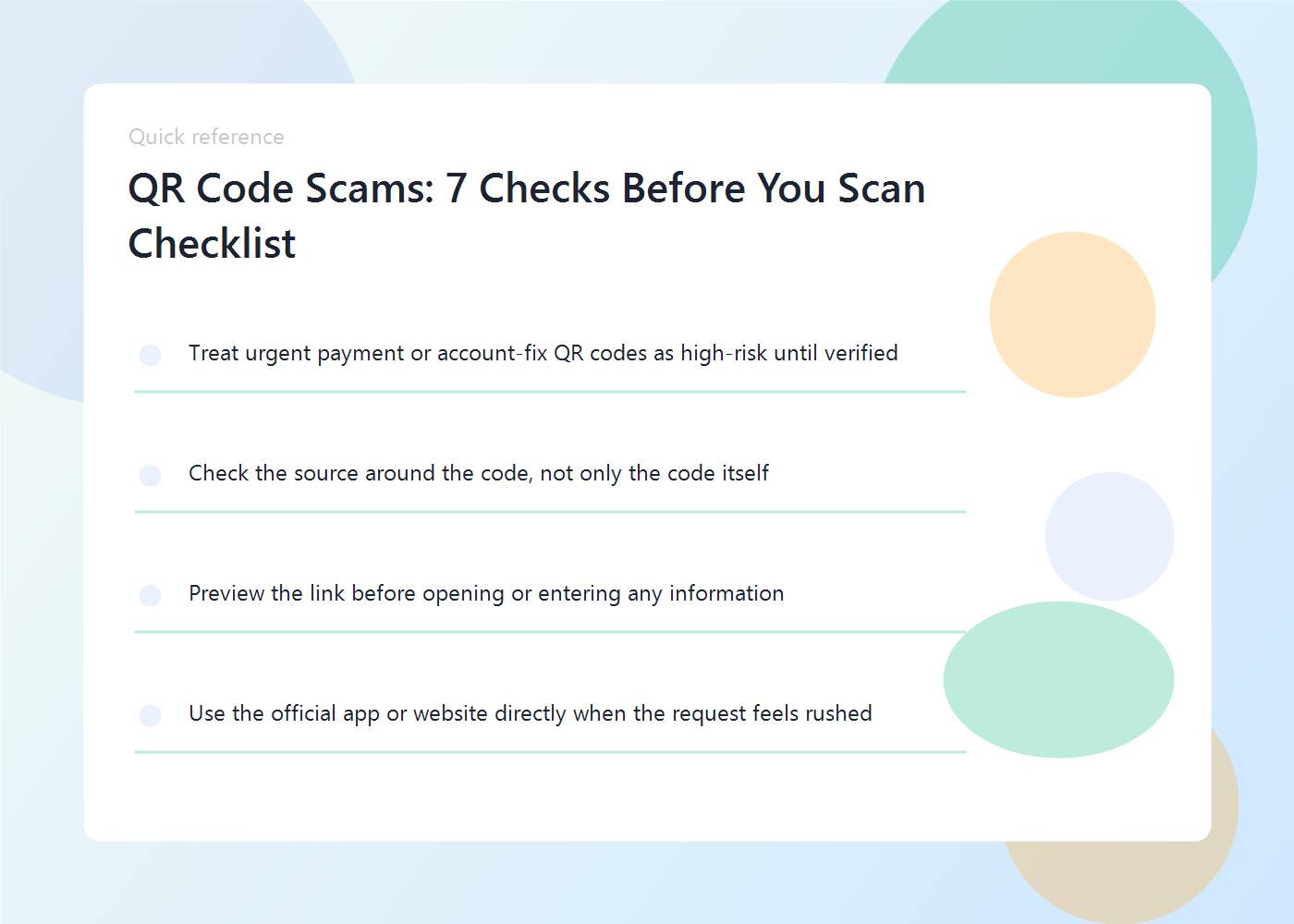
- Treat urgent payment or account-fix QR codes as high-risk until verified
- Check the source around the code, not only the code itself
- Preview the link before opening or entering any information
- Use the official app or website directly when the request feels rushed
FAQ
Are QR codes in restaurants or stores unsafe by default?
No. Many are legitimate. The risk goes up when the code seems tampered with, urgent, or connected to money or account recovery.
Can a QR code steal data just by being scanned?
The danger usually comes from where it sends you and what you do next, especially if you enter information.
What is the safest fallback?
Use the official app, website, or business contact details directly instead of relying on the code.
Related reads on Eight2Infinity
- How to Spot AI-Generated Phishing Emails Before You Click
- How to Set Up Passkeys on Your Phone and Laptop
Why this topic matters right now
- FTC consumer alerts in 2025 and 2026 continue warning that QR-code scams are being used to steal credentials, payment data, and identity information.
- Search demand remains elevated because people now meet QR codes in parking, deliveries, menus, account notices, and everyday public signage.









